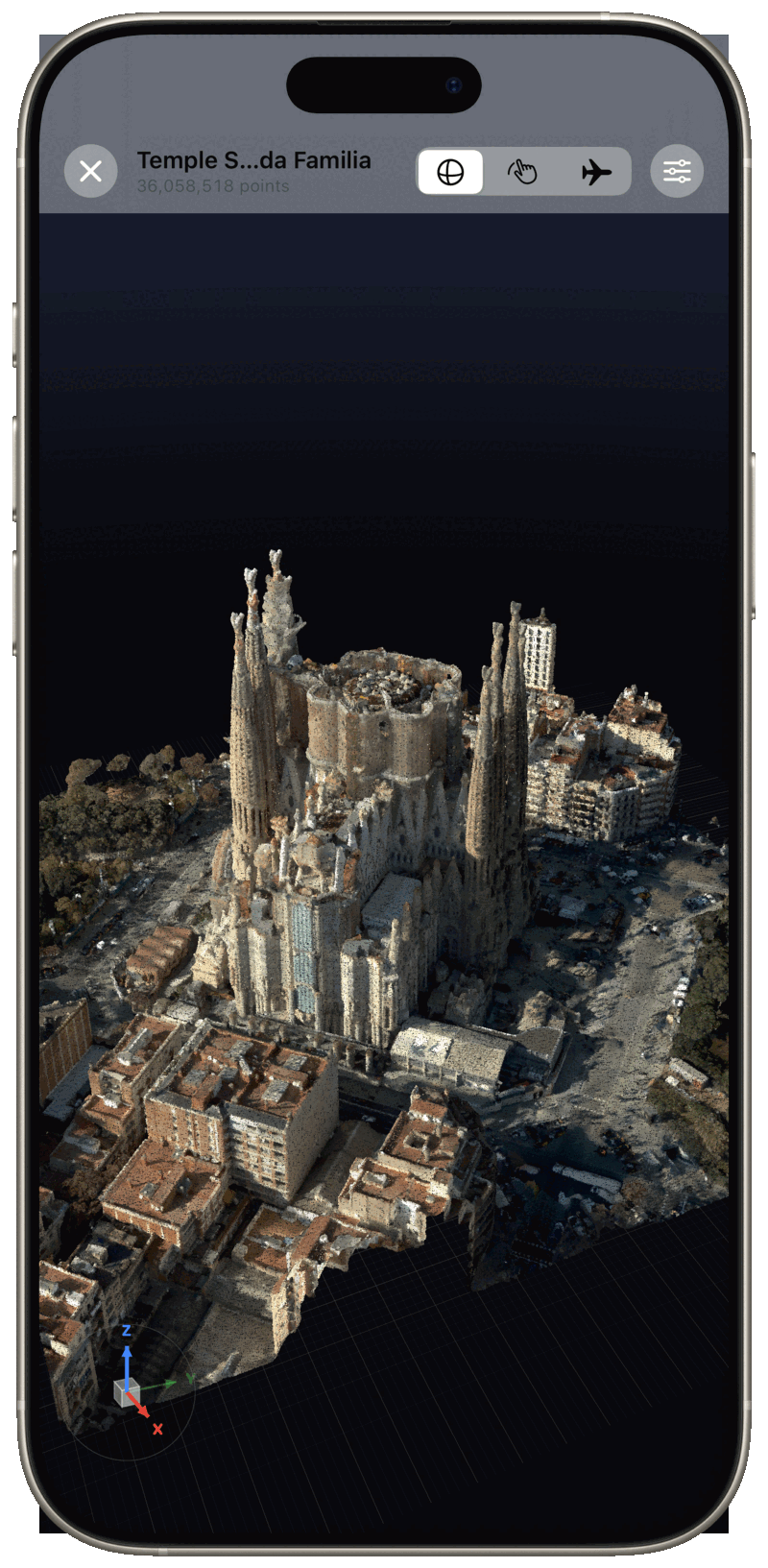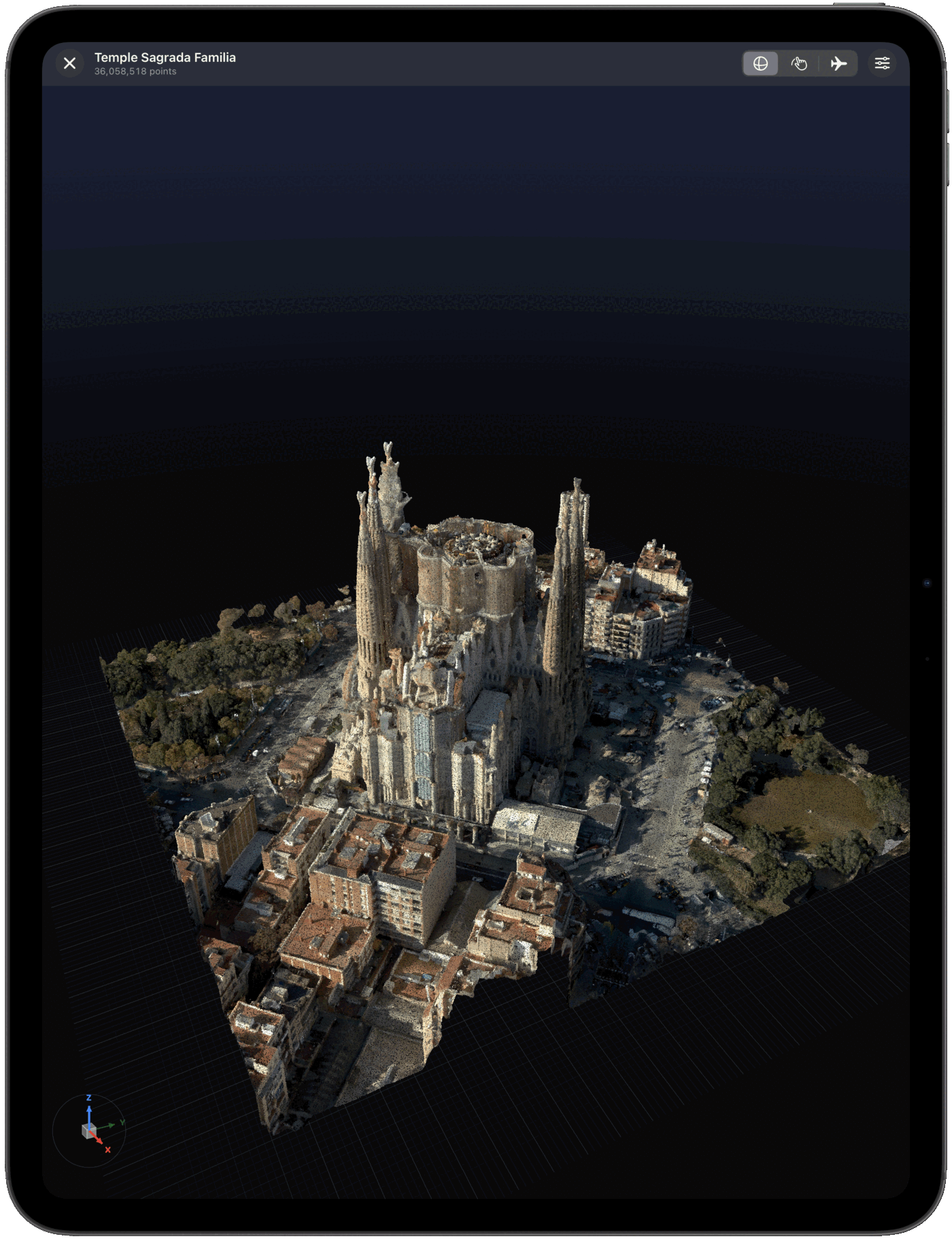
Open the registered point cloud on site, measure what the client asked about, record each finding where it sits, and export a branded PDF before you leave. No desktop, no account, no internet connection required.
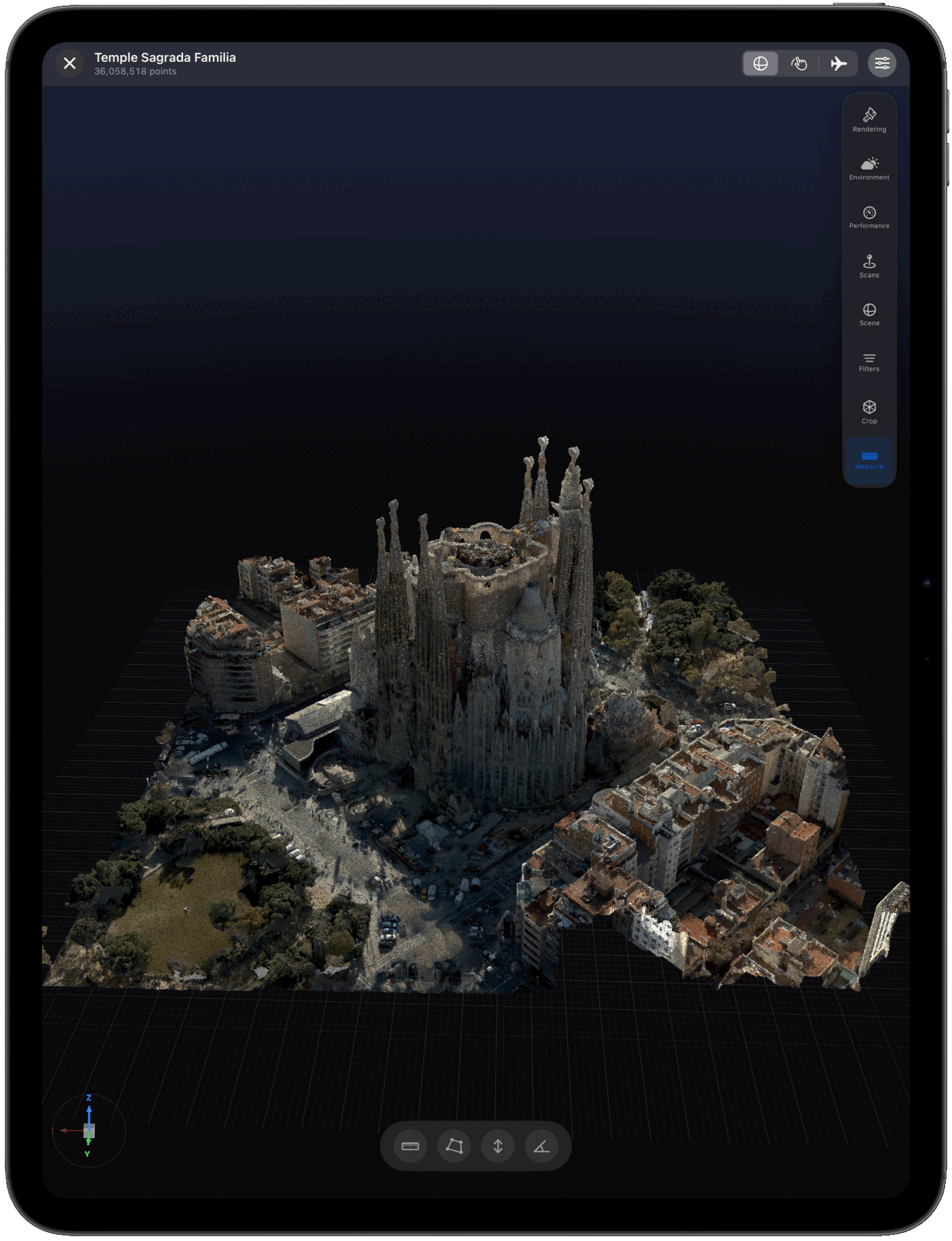
Open the registered scan in Pointscape on iPad or iPhone, measure, pin each finding in the point cloud, and export a branded PDF report. The report carries your letterhead, the project address, saved viewpoints and annotated snapshots. It works offline with E57, LAS, LAZ, COPC, PLY and XYZ scans. Pointscape is a free download on the App Store; measurement tools and PDF reports are part of the Pro plan.
Updated October 2026
Why on site
The client's question usually arrives while you are still standing in the building: how far is that column from the wall, how much does the slab fall, is the clearance really 2.4 m. Answering it from a workstation the next day means a second visit, an email chain, or a guess.
Pointscape puts the registered scan on the iPad you already carry. The measurement you take, the finding you record and the PDF you hand over all happen on site, from the same file your desktop suite produced. It does not capture or register scans; it turns the registered scan into something a client can hold.
Step by step
Every scan lives in a project. The address you enter carries through to the report header, so nothing is retyped later.
Open an E57, LAS, LAZ, COPC, PLY or XYZ file from the Files app, Google Drive, Dropbox, OneDrive or Box. Multi-gigabyte scans render on-device; cloud-hosted scans can be streamed without a full download.
Tap points in the 3D view to measure. Measurements are saved against the project, so they are still there when you reopen it.
Pin a finding to the spot in the point cloud, add a note and a snapshot. The viewpoint is saved with it.
One tap builds a branded PDF with your letterhead, the project address, the saved viewpoints and the annotated snapshots. Share it from the iPad before you leave site.
See it in action
The deliverable
The report is built from what you saved in the project, so it contains your firm's letterhead, the project name and address, each saved viewpoint rendered as an image, every measurement with its value, and each finding with its note and annotated snapshot. It is a plain PDF: open it in Files, attach it to an email, or drop it into the client's shared folder.
Because the measurements and findings persist in the project, you can reopen the scan a week later, add a finding, and export a fresh report without redoing the earlier work. Reports also work with scans that live only in the cloud, with nothing to download first.
Compatibility
Pointscape opens the standard exports from terrestrial scanners, drone LiDAR, mobile mappers and photogrammetry: E57, LAS and LAZ, COPC, PLY and XYZ, plus PCD, BPF, CSV and TXT point files. Export from Leica Cyclone, FARO Scene, Trimble RealWorks, CloudCompare, PDAL, Metashape or RealityCapture in one of those formats and open it from Files or a cloud drive.
The scan must already be registered. Pointscape sits downstream of capture and registration, alongside your desktop suite, not in place of it. See the point cloud viewer for iPad page for rendering details and the formats guide for which file to export.
Offline
Yes. Scans are processed and rendered on the device, so measuring, recording findings and exporting the PDF all work with no signal and no cloud account. The scan never has to leave the iPad to be viewed, which suits secure and on-premise sites. Cloud streaming, cloud processing and team workspaces are optional extras, not requirements.
FAQ
Yes. Pointscape saves measurements and findings against a project and exports a PDF report with your letterhead, the project address, saved viewpoints and annotated snapshots, directly from the iPad or iPhone. It also works with scans that live only in the cloud.
Distance, area, height, angle and elevation. Measurements persist in the project and appear in the exported report.
No. Pointscape opens scans that a scanner, drone or photogrammetry pipeline has already produced and registered. It sits downstream of capture and alongside desktop registration software.
E57, LAS, LAZ, COPC, PLY and XYZ, plus PCD, BPF, CSV and TXT point files, imported from Files, Google Drive, Dropbox, OneDrive or Box.
Yes. Rendering, measuring, findings and PDF export all run on the device with no internet connection and no cloud account.
Pointscape is a free download on the App Store with three projects for opening and exploring scans. Pro unlocks measurement tools, unlimited projects and PDF reports, and starts with a 7-day free trial; Cloud adds streaming and team workspaces. See plans.