Yes — Pointscape opens XYZ files on iPad and iPhone. Import a plain-text .xyz point cloud from Files or a cloud drive and view it in 3D on-device, with no desktop and no conversion step. Pointscape is a free download on the App Store. With Pro it also keeps distance, area, height, angle and elevation measurements and findings per project and exports a branded PDF report.
Updated October 2026
XYZ on iOS
The XYZ format (.xyz, sometimes .txt or .pts) is the simplest way to store a point cloud: a plain-text file where each line holds a point's X, Y, and Z coordinates, often followed by intensity or RGB color. There is no formal standard and no binary header, which is exactly why almost every tool can read and write it.
That simplicity is also its trade-off: because the numbers are stored as text, XYZ files are large and slower to parse than binary formats like LAS or E57. They are most useful as a universal, lowest-common-denominator export — a way to get points out of one program and into another.
Pointscape imports and renders XYZ point clouds natively on iPad and iPhone, processing everything on-device so you can review a scan in the field or anywhere you have your iPad — no laptop, no internet connection required.
Where XYZ comes from
Because it is plain text, XYZ is produced almost everywhere. You will see it exported from CloudCompare, MeshLab, survey total stations and instrument software, GIS tools, research code, and one-off scripts that simply print coordinates line by line.
If a program can produce a list of points but does not support a richer format, it can almost always write XYZ. Move the file to your iPhone or iPad and open it directly in Pointscape — no intermediate conversion required.
Step by step
Download Pointscape free from the App Store on your iPhone or iPad.
Open Pointscape and import your .xyz file from the Files app, Google Drive, Dropbox, OneDrive, or Box.
Pointscape renders the point cloud on-device. Pan, zoom, and rotate, then fine-tune coloring and quality modes to inspect every detail.
See it in action
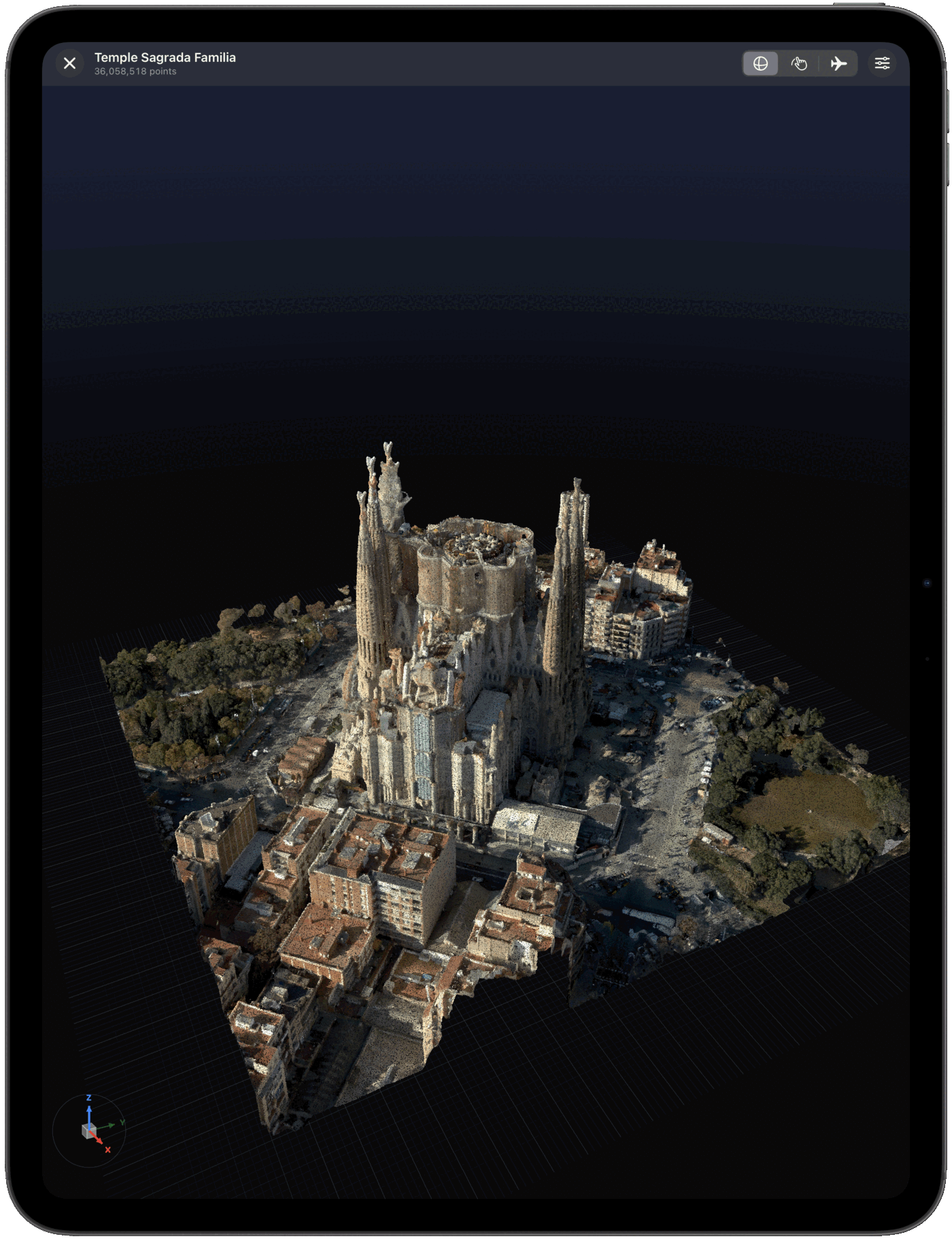
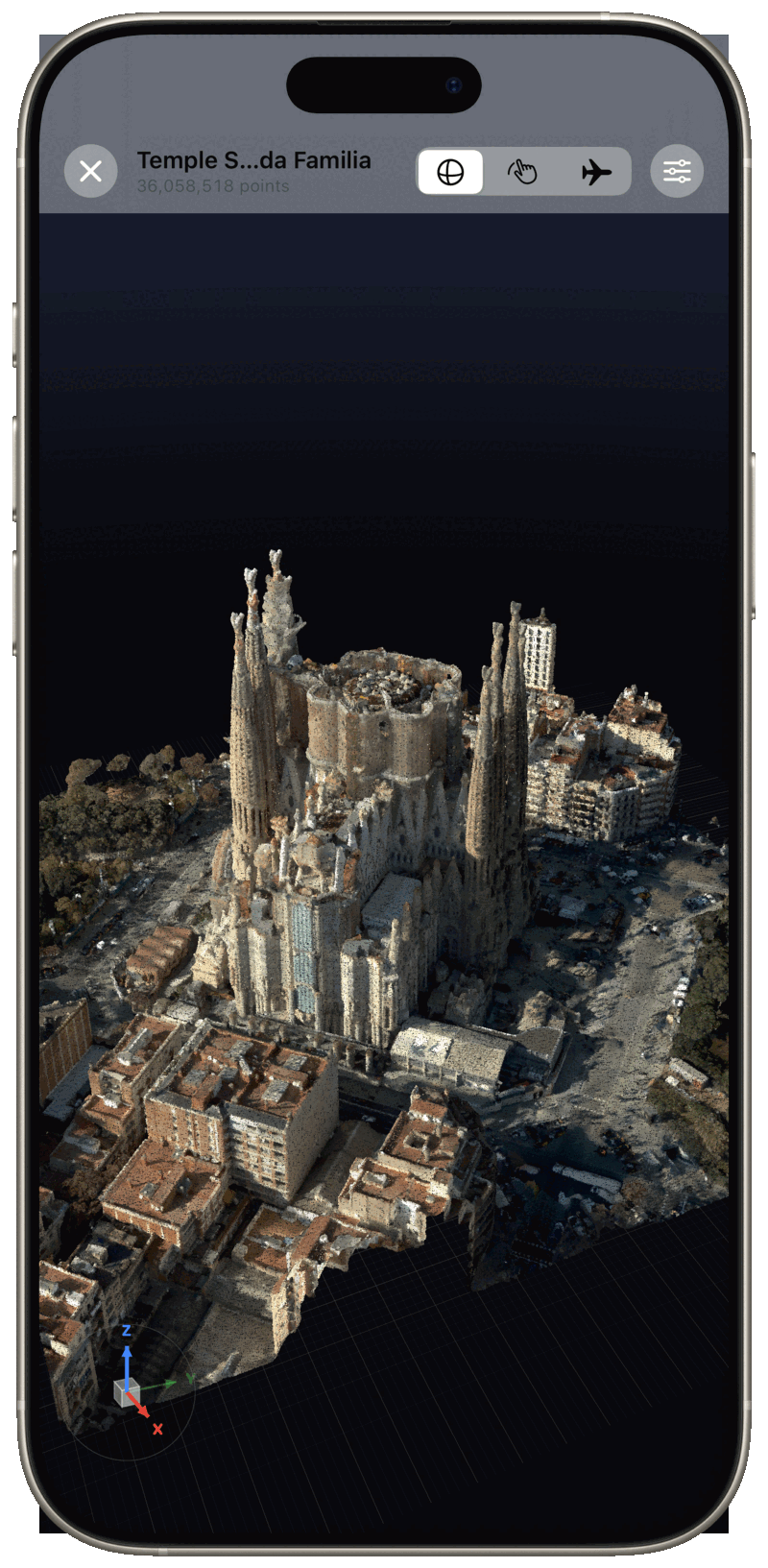
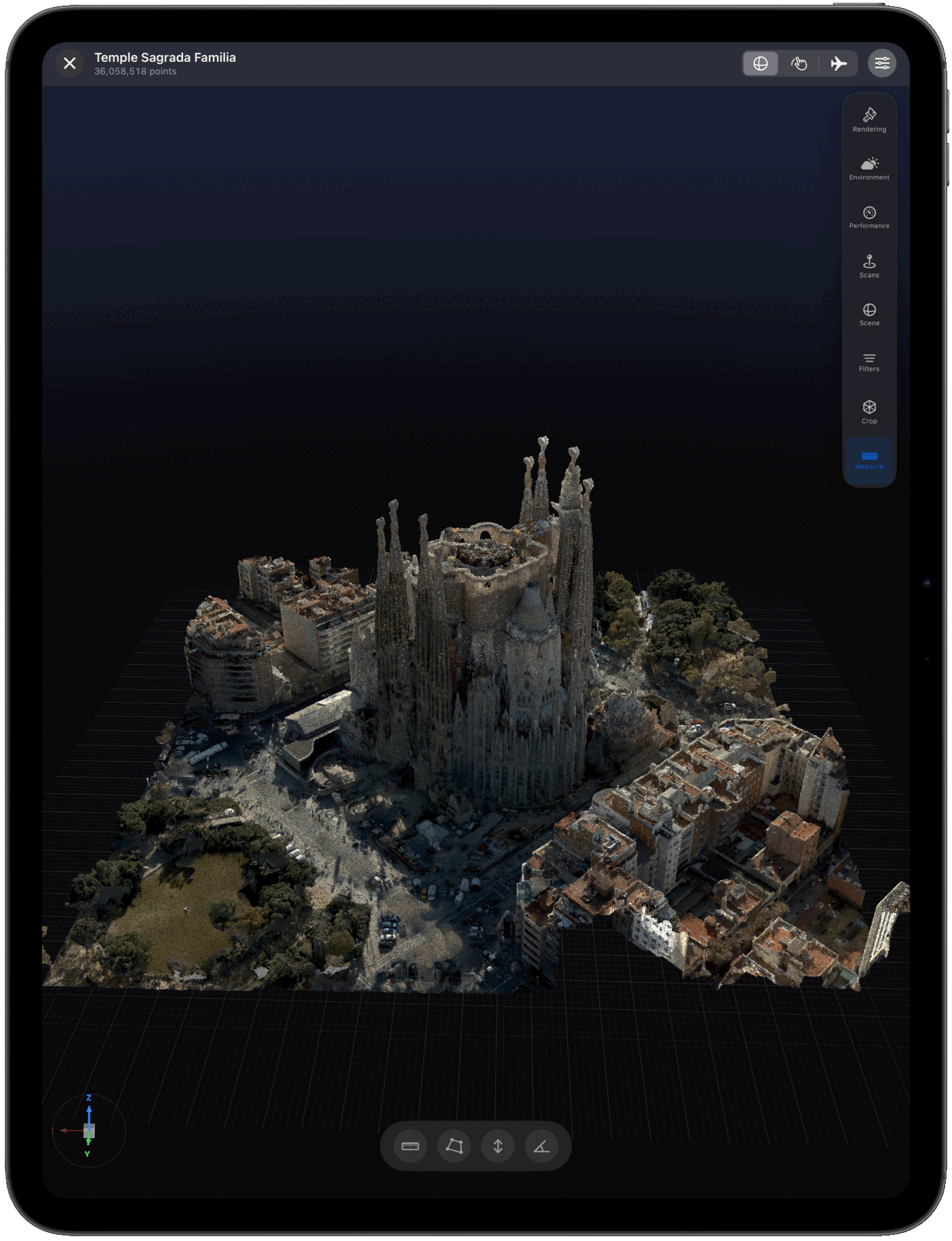
XYZ vs LAS
Both open in Pointscape on iPad and iPhone. The difference comes down to text versus binary.
| XYZ | LAS / LAZ | |
|---|---|---|
| Storage | Plain text | Binary (LAZ compressed) |
| File size | Large | Compact |
| Attributes | Coordinates, sometimes color | Intensity, classification, GPS time, more |
| Standard | None (informal) | ASPRS LAS |
| Best for | Universal, easy exports | Survey and GIS LiDAR |
Working with LiDAR survey data? See the LAS & LAZ viewer.
Import sources
Import .xyz files straight from the apps your data already lives in — and open other point cloud formats too.
FAQ
Yes. Pointscape opens and renders XYZ point cloud files directly on iPad and iPhone, entirely on-device. Download Pointscape free on the App Store, import your .xyz file from Files or a cloud drive, and view it in 3D.
Yes. Pointscape renders XYZ point clouds entirely on-device, so it works completely offline with no internet connection and no cloud account required. Your scans stay on your iPhone or iPad — ideal for secure, on-premise work. Cloud streaming and upload are optional.
An XYZ file (.xyz) is a plain-text point cloud format where each line lists a point's X, Y, and Z coordinates, sometimes followed by intensity or RGB color. It has no formal standard, which makes it simple and universal but larger than binary formats.
Pointscape is a free download on the App Store and you can open and view XYZ files on your iPhone or iPad. Pro adds unlimited projects, advanced visualization, measurement tools and branded PDF reports; Cloud adds streaming, cloud processing and team workspaces.
Because XYZ is plain text it can be large, but Pointscape uses adaptive level of detail to render big point clouds smoothly on-device, and can stream massive datasets from the cloud.
You can import XYZ files into Pointscape from the Files app, Google Drive, Dropbox, OneDrive, or Box on your iPhone or iPad.
More formats