Yes — Pointscape opens PLY files on iPad and iPhone. Import a .ply point cloud from photogrammetry or 3D scanning and view it in 3D on-device, complete with per-point color. Pointscape is a free download on the App Store. With Pro it also keeps distance, area, height, angle and elevation measurements and findings per project and exports a branded PDF report.
Updated October 2026
PLY on iOS
The PLY format (.ply), also called the Polygon File Format, stores 3D point clouds and meshes together with per-point properties like color and normals. It is one of the most common outputs of photogrammetry and 3D-scanning pipelines.
Pointscape imports and renders PLY point clouds natively on iPad and iPhone, processing everything on-device so you can review a scan in the field, on site, or anywhere you have your iPad — no laptop, no internet connection required.
From photogrammetry to iPad
PLY, the Polygon File Format, was designed to store 3D data flexibly, with arbitrary per-point properties. For point clouds that usually means an XYZ position plus per-point color (RGB) and surface normals — the rich output of a reconstruction pipeline.
It is the default export of most photogrammetry and 3D-scanning software, including Agisoft Metashape, RealityCapture, Pix4D, Meshroom, and COLMAP, as well as iPhone and iPad scanning apps like Polycam and Scaniverse. Export the dense cloud as PLY, move it to your device, and open it in Pointscape.
PLY comes in ASCII (human-readable) and binary (smaller, faster) variants. Binary is the better choice for large clouds and for opening on a phone. Pointscape reads the point data and color so a photogrammetry result looks the same on iPad as it did on your workstation.
PLY vs E57
Both open in Pointscape on iPad and iPhone. They come from different worlds.
| PLY | E57 | |
|---|---|---|
| Typical source | Photogrammetry and 3D scanning | Terrestrial laser scanners |
| Per-point color | Yes | Yes |
| Surface normals | Often | Rarely |
| Standard | De-facto community format | ASTM E2807 |
| Best for | Reconstruction output | Vendor-neutral scanner exchange |
Opening laser-scanner data instead? See the E57 viewer.
Step by step
Download Pointscape free from the App Store on your iPhone or iPad.
Open Pointscape and import your PLY scan from the Files app, Google Drive, Dropbox, OneDrive, or Box.
Pointscape renders the PLY point cloud on-device. Pan, zoom, and rotate, then fine-tune coloring and quality modes to inspect every detail.
See it in action
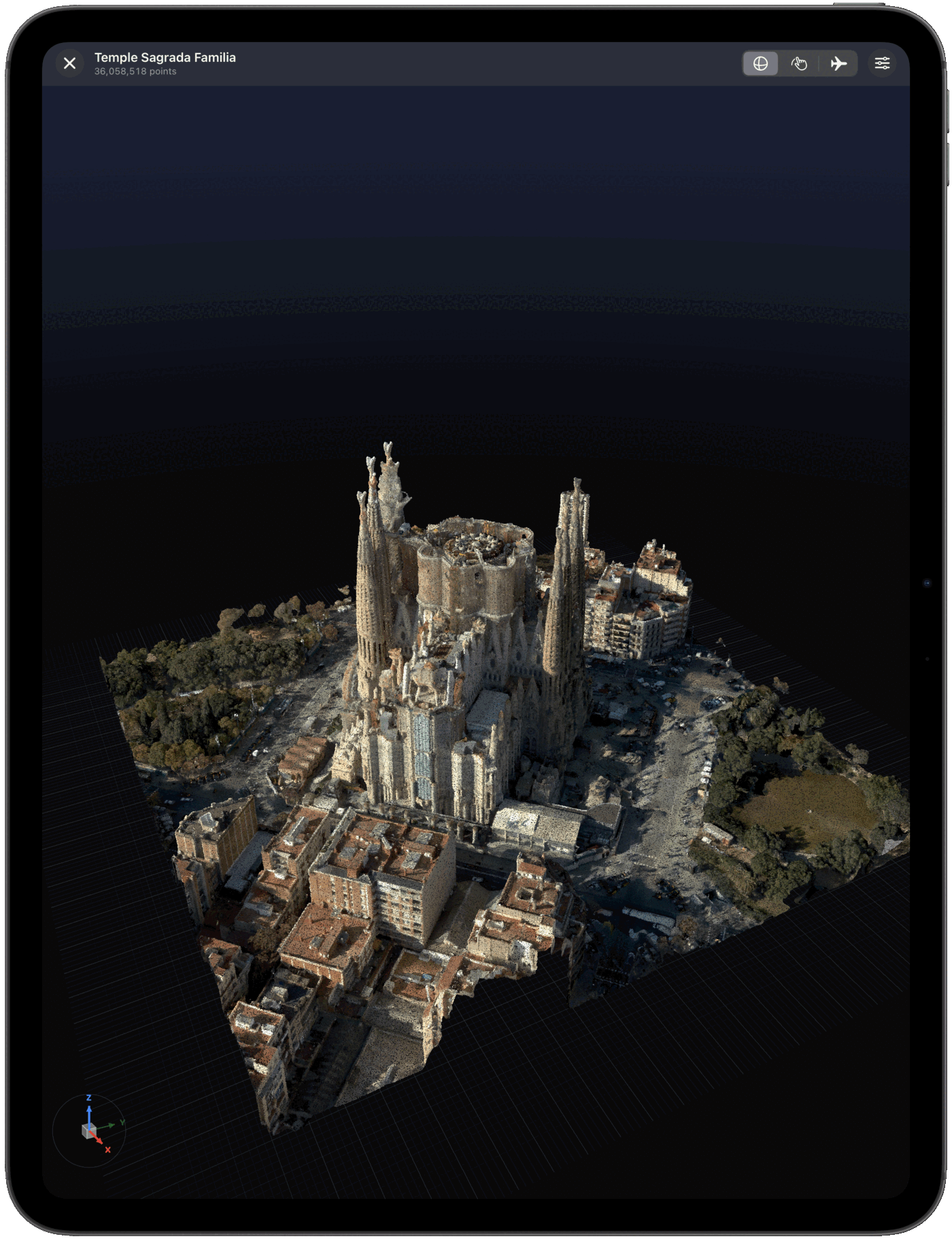
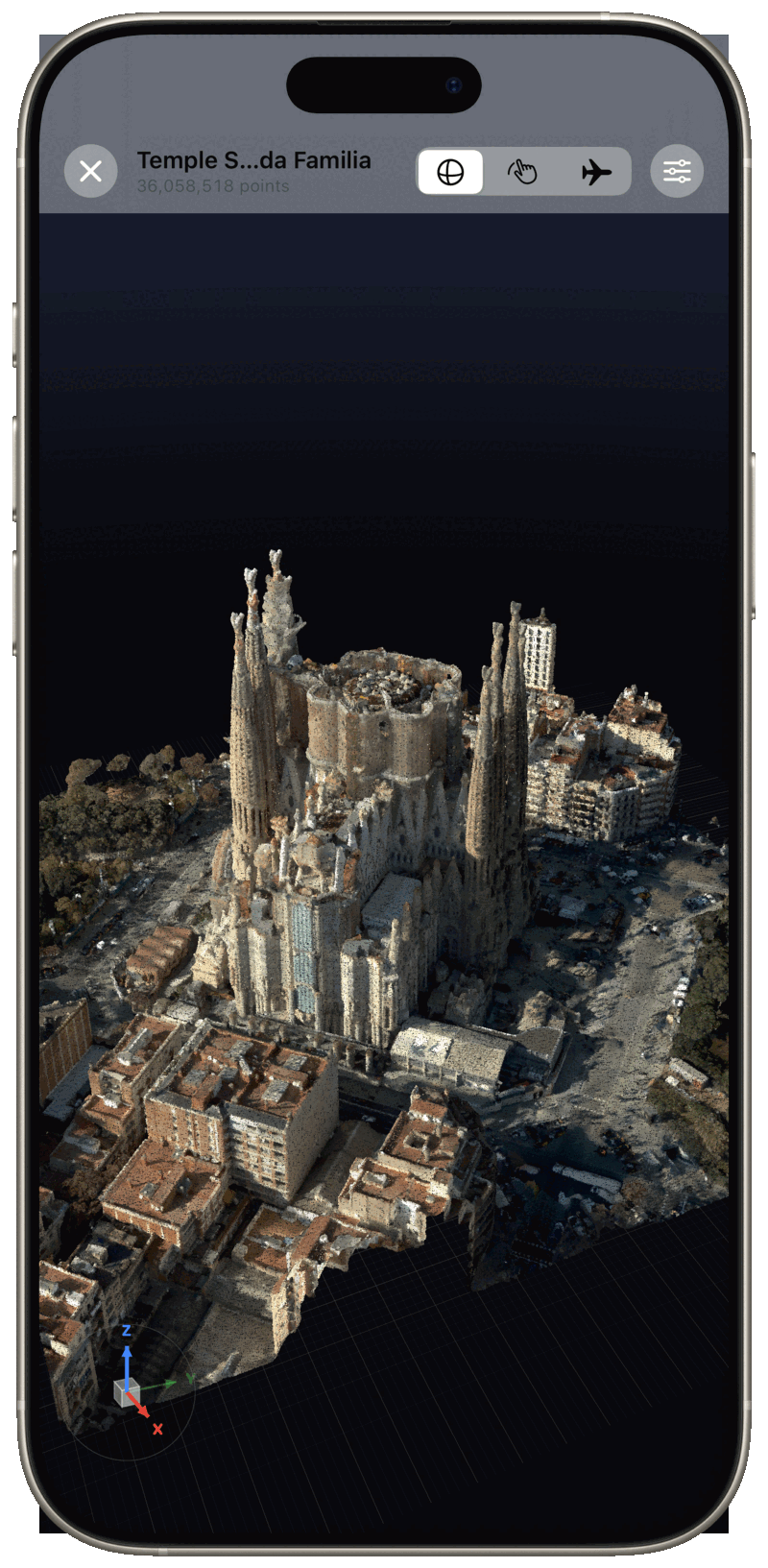
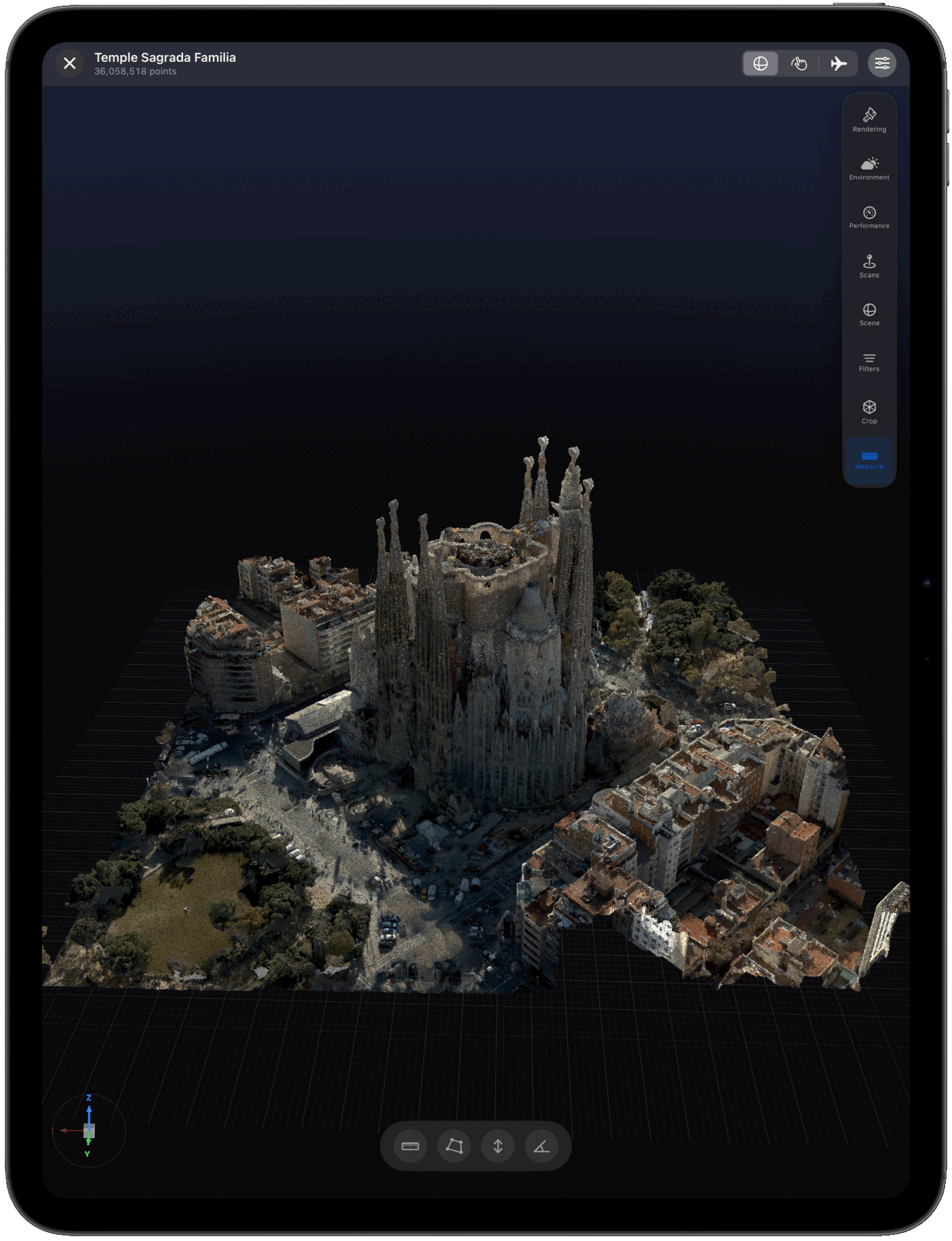
Import sources
Import PLY files straight from the apps your scans already live in — and open other point cloud formats too.
Pointscape also opens E57, COPC, LAS, LAZ, and XYZ point clouds.
FAQ
Yes. Pointscape opens and renders PLY point cloud files directly on iPad and iPhone, entirely on-device. Download Pointscape free on the App Store, import your PLY scan from Files or a cloud drive, and view it in 3D.
Yes. Pointscape renders PLY point clouds entirely on-device, so it works completely offline with no internet connection and no cloud account required. Your scans stay on your iPhone or iPad — ideal for secure, on-premise work. Cloud streaming and upload are optional.
PLY (.ply), the Polygon File Format, is a 3D format that stores point clouds and meshes along with per-point properties such as color and normals. It is widely produced by photogrammetry and 3D-scanning software.
Pointscape is a free download on the App Store and you can open and view PLY files on your iPhone or iPad. Pro adds unlimited projects, advanced visualization, measurement tools and branded PDF reports; Cloud adds streaming, cloud processing and team workspaces.
Pointscape uses adaptive level of detail to render large PLY scans smoothly on-device, and can stream massive point clouds from the cloud so you can explore billions of points without downloading the full file.
You can import PLY files into Pointscape from the Files app, Google Drive, Dropbox, OneDrive, or Box on your iPhone or iPad.
More formats