Yes — Pointscape opens and streams COPC files on iPad and iPhone. A COPC (.copc.laz) is organized for streaming, so Pointscape loads only the detail it needs and lets you explore billions of points on-device. It is a free download on the App Store. With Pro it also keeps distance, area, height, angle and elevation measurements and findings per project and exports a branded PDF report.
Updated October 2026
COPC on iOS
COPC (Cloud Optimized Point Cloud, .copc.laz) is a LAZ file organized into a clustered octree, so a viewer can stream and load only the parts of a point cloud it needs. That makes it perfect for exploring enormous reality-capture datasets without downloading everything first.
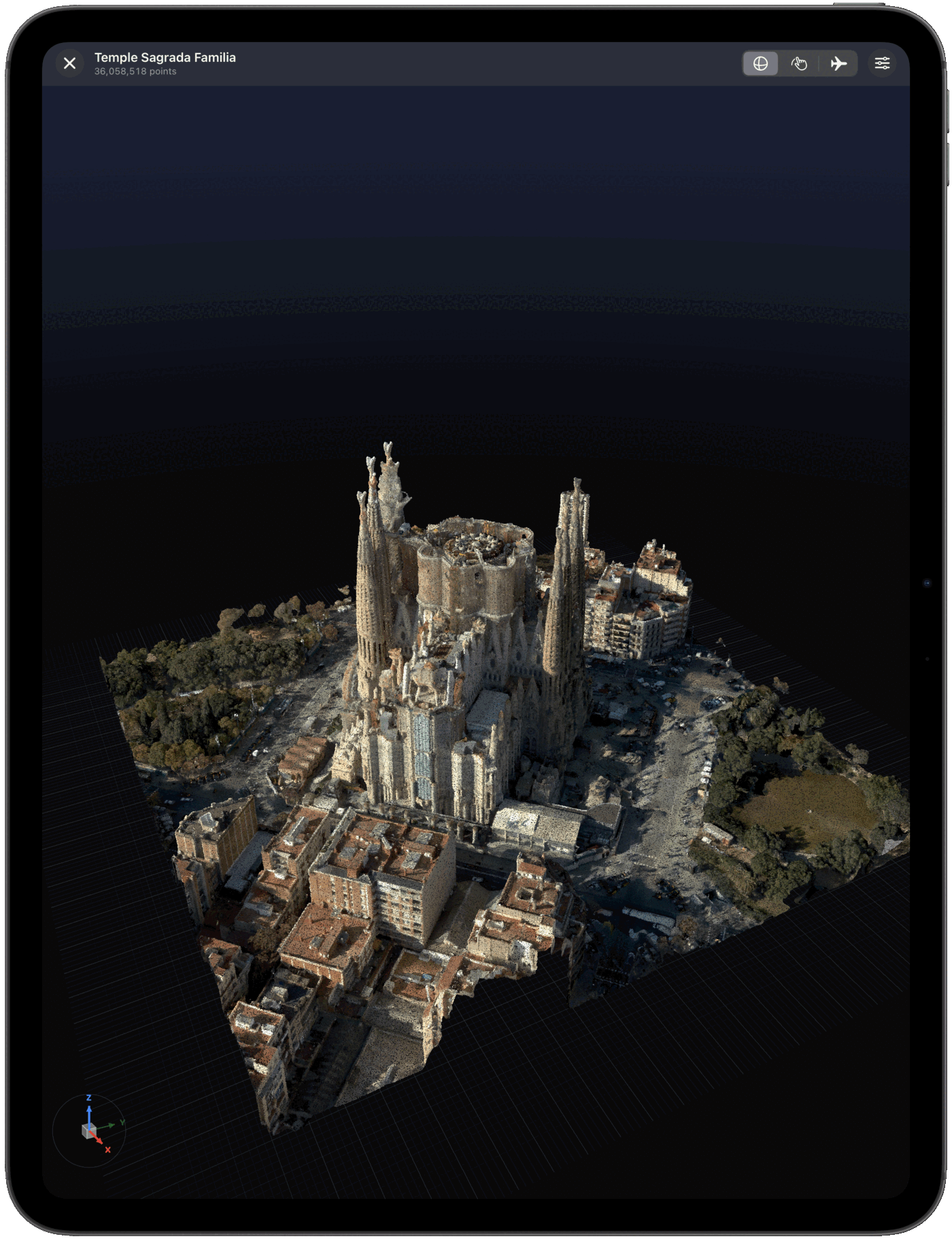
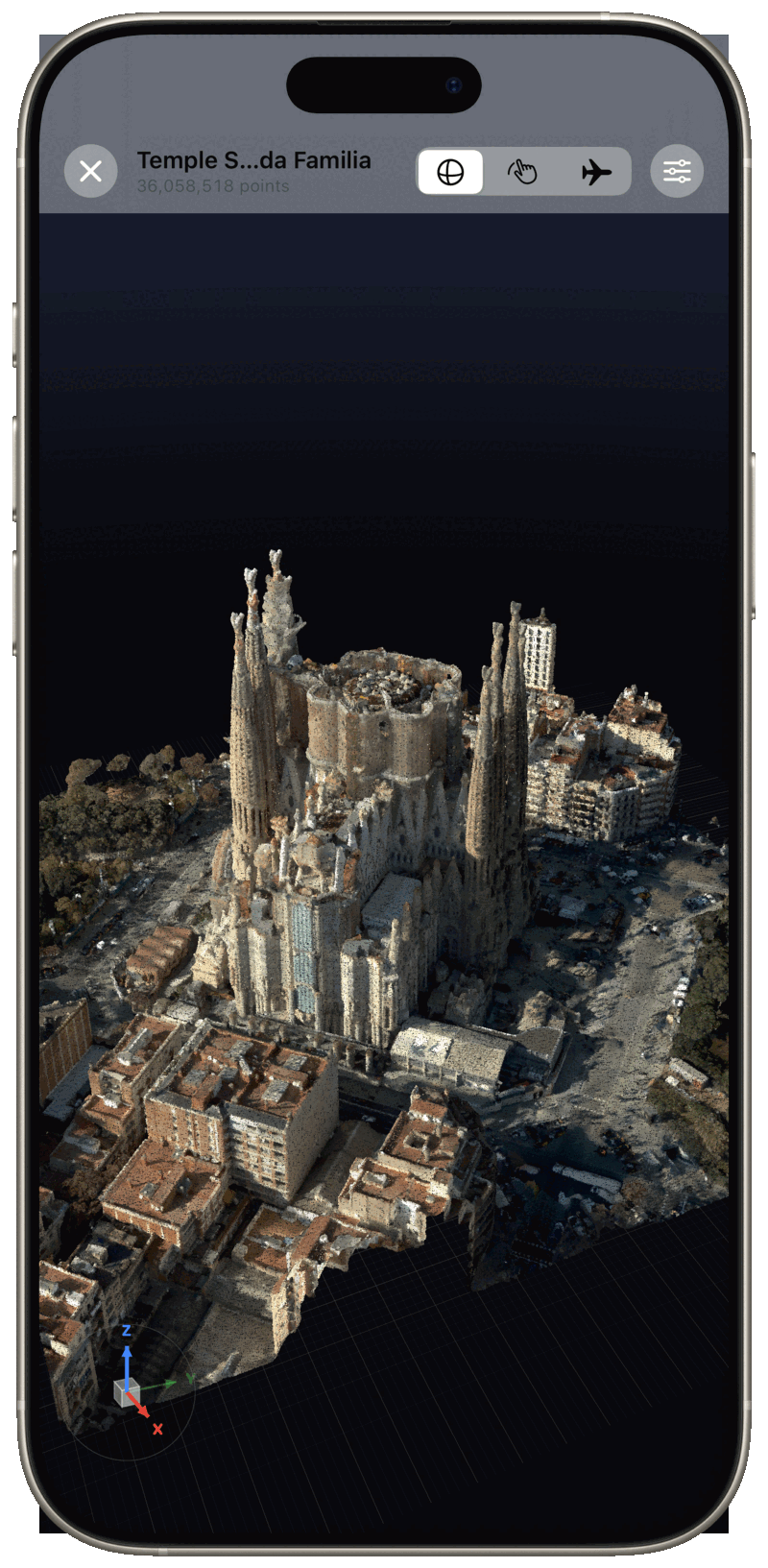
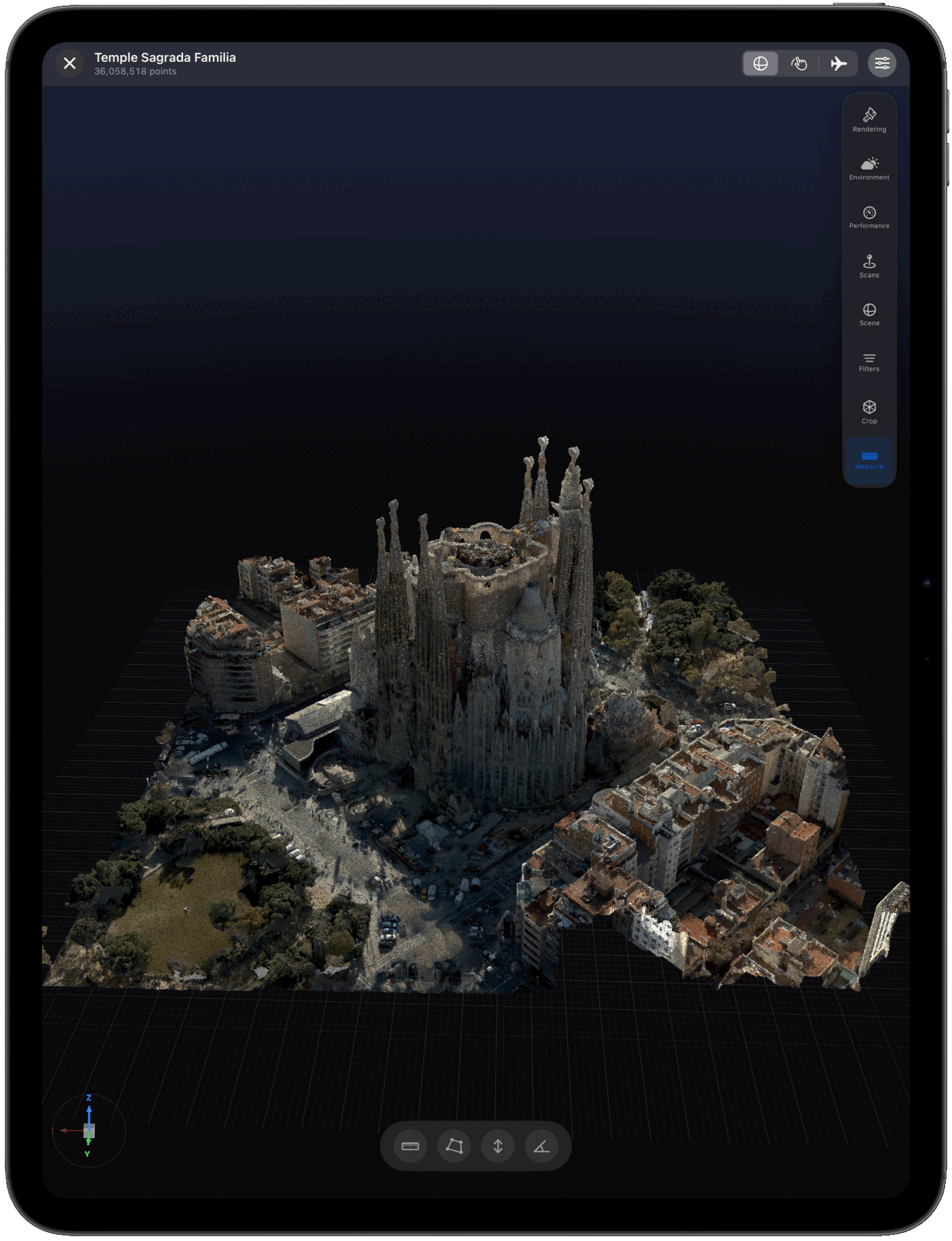
Pointscape opens and streams COPC point clouds natively on iPad and iPhone, rendering on-device with adaptive level of detail so you can roam through billions of points in the field, on site, or anywhere you have your iPad.
How streaming works
COPC — Cloud Optimized Point Cloud — is a valid LAZ file with its points reorganized into a clustered octree. The octree groups points by location and level of detail, and the file includes an index describing where each chunk lives.
That layout enables HTTP range requests: a viewer can read just the index, then pull only the octree nodes it needs for the current view and zoom level — instead of downloading the whole file. It is the same idea as a Cloud Optimized GeoTIFF, applied to point clouds.
On iPad and iPhone this is what makes billions of points practical on a mobile device. Pointscape streams coarse detail first, then refines as you zoom, keeping memory and bandwidth in check — so a multi-gigabyte dataset that would never fit on a phone becomes explorable in seconds.
COPC is widely used for publishing large open LiDAR. You can point Pointscape at COPC data hosted in the cloud — including public datasets derived from programs like the USGS 3DEP — and roam it without a full download.
COPC vs LAZ
Both open in Pointscape on iPad and iPhone. The difference is how the data is delivered.
| LAZ | COPC | |
|---|---|---|
| Structure | Compressed point stream | Compressed + clustered octree index |
| Access | Download the whole file | Stream only what you view |
| Comfortable size | Up to a few GB | Tens of GB or more |
| Best for | Local scans you already have | Massive cloud-hosted datasets |
Working with regular LiDAR files instead? See the LAS & LAZ viewer.
Step by step
Download Pointscape free from the App Store on your iPhone or iPad.
Open Pointscape and import your COPC file from the Files app, Google Drive, Dropbox, OneDrive, or Box.
Pointscape streams the point cloud with adaptive level of detail. Pan, zoom, and rotate, then fine-tune coloring and quality modes to inspect every detail.
See it in action
Import sources
Import COPC files straight from the apps your data already lives in — and open other point cloud formats too.
Pointscape also opens E57, PLY, LAS, LAZ, and XYZ point clouds.
FAQ
Yes. Pointscape opens and streams COPC (Cloud Optimized Point Cloud) files directly on iPad and iPhone with high-performance on-device rendering. Download Pointscape free on the App Store, import your COPC file, and explore it in 3D.
Yes. A COPC file stored on your device is rendered entirely on-device, so it works completely offline with no cloud account required — ideal for secure, on-premise work. COPC streaming from a remote URL needs a connection, but local files do not.
COPC (Cloud Optimized Point Cloud, .copc.laz) is a LAZ file organized into a clustered octree so viewers can stream and load only the parts of a point cloud they need. It is ideal for exploring very large datasets without downloading everything.
Pointscape is a free download on the App Store and you can open COPC files on your iPhone or iPad. Pro adds unlimited projects, advanced visualization, measurement tools and branded PDF reports; Cloud adds streaming, cloud processing and team workspaces.
Because COPC is built for streaming, Pointscape can explore billions of points by loading only the detail it needs at any moment, using adaptive level of detail to stay smooth on-device.
You can import COPC files into Pointscape from the Files app, Google Drive, Dropbox, OneDrive, or Box on your iPhone or iPad.
More formats