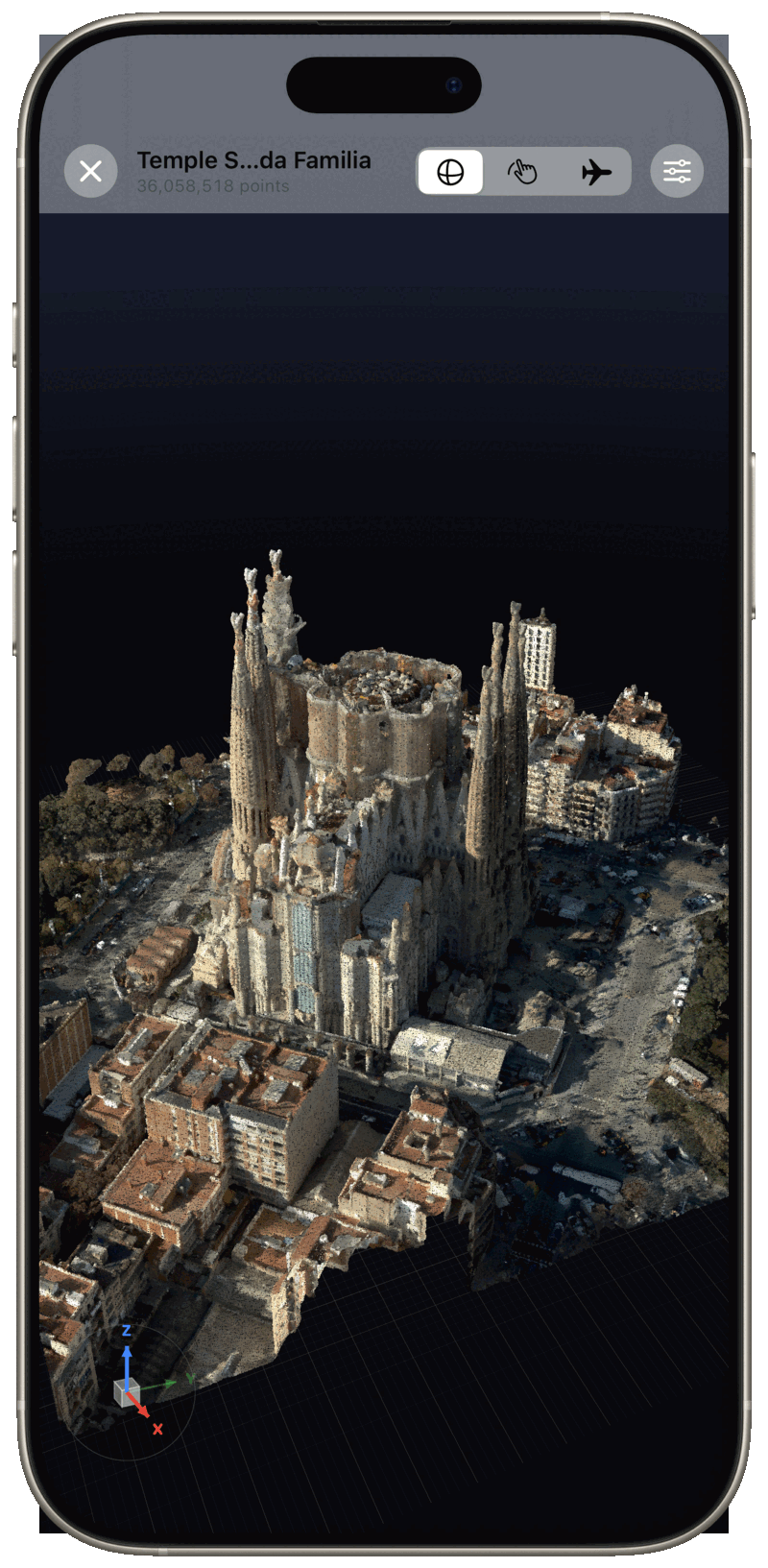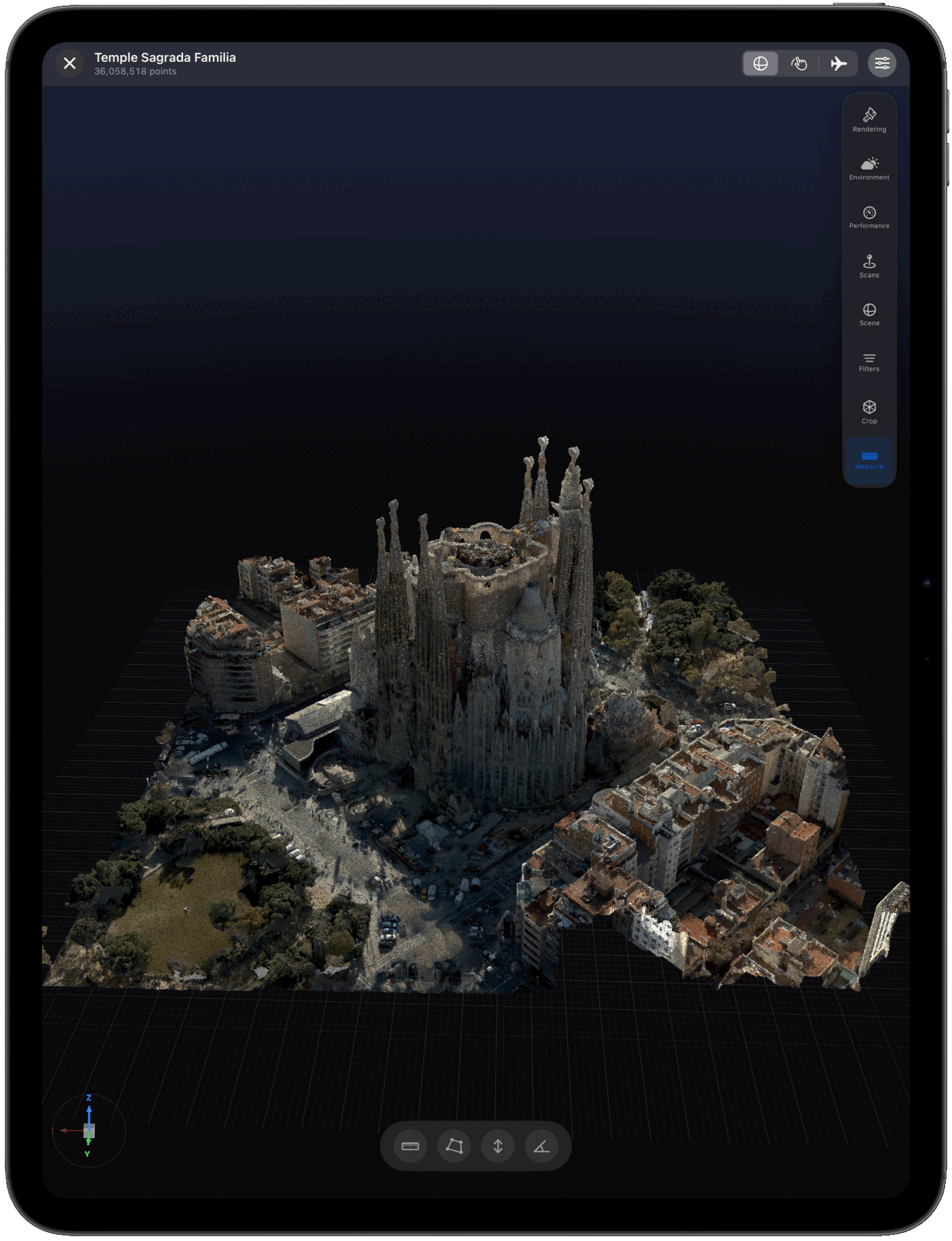
Pointscape is a native LAS and LAZ point cloud viewer for iPad and iPhone. Import your LiDAR scans, render them in high-performance on-device 3D, and explore every point — no desktop required.
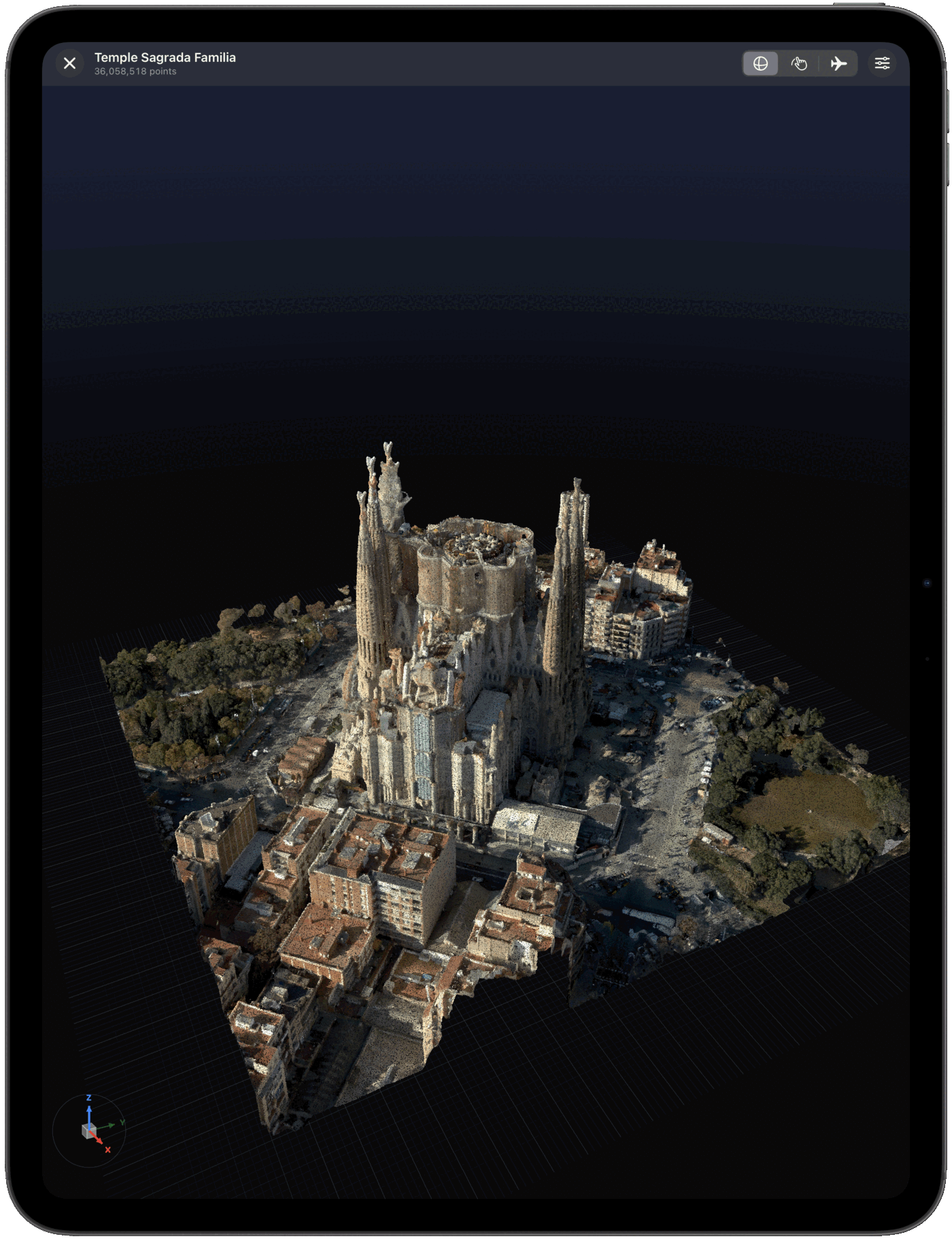
Yes — Pointscape opens LAS and LAZ LiDAR files on iPad and iPhone. Import a .las or compressed .laz scan from Files or a cloud drive and view it in 3D on-device, with no desktop required. Pointscape is a free download on the App Store.
LAS & LAZ on iOS
LAS (.las) is the open ASPRS standard for LiDAR point clouds, and LAZ (.laz) is its losslessly compressed form. Together they are the backbone of aerial LiDAR, surveying, and GIS workflows the world over.
Pointscape imports and renders LAS and LAZ point clouds natively on iPad and iPhone, processing everything on-device so you can review a LiDAR dataset in the field, on site, or anywhere you have your iPad — no laptop, no internet connection required.
The LiDAR standard
LAS is the open LiDAR format maintained by the ASPRS (American Society for Photogrammetry and Remote Sensing). The current revision, LAS 1.4, stores precise XYZ coordinates plus per-point attributes such as intensity, GPS time, return number, and a classification code.
Those classification codes are what make LAS powerful for survey and GIS work: points can be tagged as ground, building, low/medium/high vegetation, water, and more — so a dataset is not just a shape but a labeled model of a site.
LAZ is the losslessly compressed version of LAS, created by the open-source LASzip project. It holds exactly the same points and attributes, typically at 10–20% of the file size, which is why it is the practical choice for sharing scans and for opening them on a mobile device.
LAS and LAZ are the backbone of aerial and drone LiDAR, mobile mapping, and topographic survey. Public elevation programs such as the USGS 3DEP distribute their LiDAR as LAS/LAZ, so you can pull an open dataset and explore it in Pointscape on your iPad.
LAS, LAZ & COPC
All three open in Pointscape on iPad and iPhone. They are closely related — here is how they differ.
| Format | What it is | Size | Best for |
|---|---|---|---|
| LAS | Uncompressed ASPRS LiDAR | Largest | Editing and archival masters |
| LAZ | Lossless compressed LAS | Small | Sharing and opening on mobile |
| COPC | LAZ in a streamable octree | Small + streamable | Very large cloud-hosted datasets |
Need to stream a massive dataset instead of downloading it? See the COPC viewer.
Step by step
Download Pointscape free from the App Store on your iPhone or iPad.
Open Pointscape and import your LiDAR scan from the Files app, Google Drive, Dropbox, OneDrive, or Box.
Pointscape renders the point cloud on-device. Pan, zoom, and rotate, then fine-tune coloring and quality modes to inspect every detail.
See it in action
Import sources
Import LiDAR files straight from the apps your scans already live in — and open other point cloud formats too.
Pointscape also opens E57, PLY, COPC, and XYZ point clouds.
FAQ
Yes. Pointscape opens and renders LAS and LAZ LiDAR point cloud files directly on iPad and iPhone, entirely on-device. Download Pointscape free on the App Store, import your scan from Files or a cloud drive, and view it in 3D.
Yes. Pointscape renders LAS and LAZ point clouds entirely on-device, so it works completely offline with no internet connection and no cloud account required. Your scans stay on your iPhone or iPad — ideal for secure, on-premise work. Cloud streaming and upload are optional.
LAS is the open ASPRS format for storing LiDAR point cloud data. LAZ is its losslessly compressed counterpart, which stores the same data in a much smaller file. Pointscape opens both directly on iPhone and iPad.
Pointscape is a free download on the App Store and you can open and view LAS and LAZ files on your iPhone or iPad. Pro and Cloud plans unlock larger files, advanced visualization, cloud streaming, and team workspaces.
Pointscape uses adaptive level of detail to render large LiDAR scans smoothly on-device, and can stream massive point clouds from the cloud so you can explore billions of points without downloading the full file.
You can import LAS and LAZ files into Pointscape from the Files app, Google Drive, Dropbox, OneDrive, or Box on your iPhone or iPad.
More formats