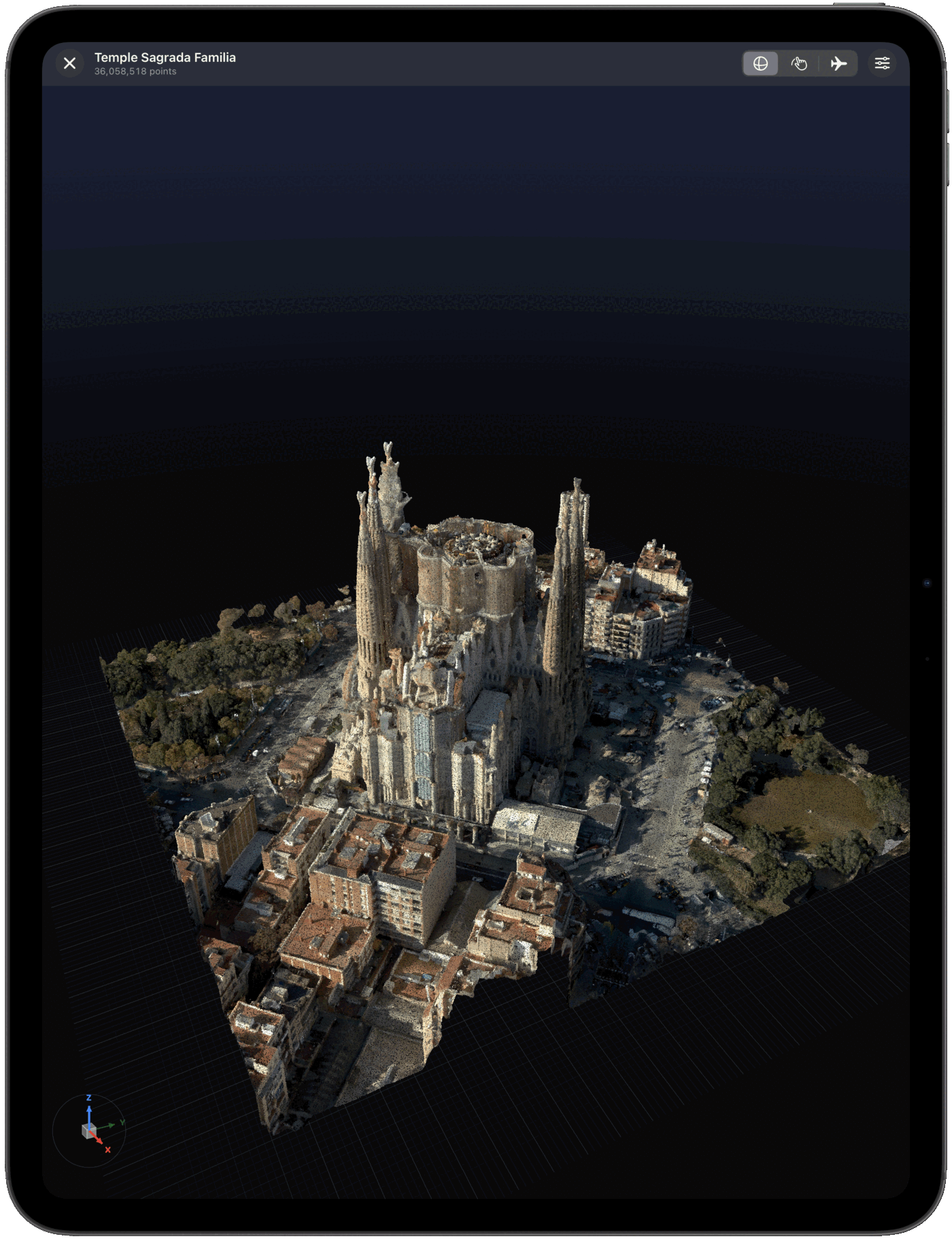
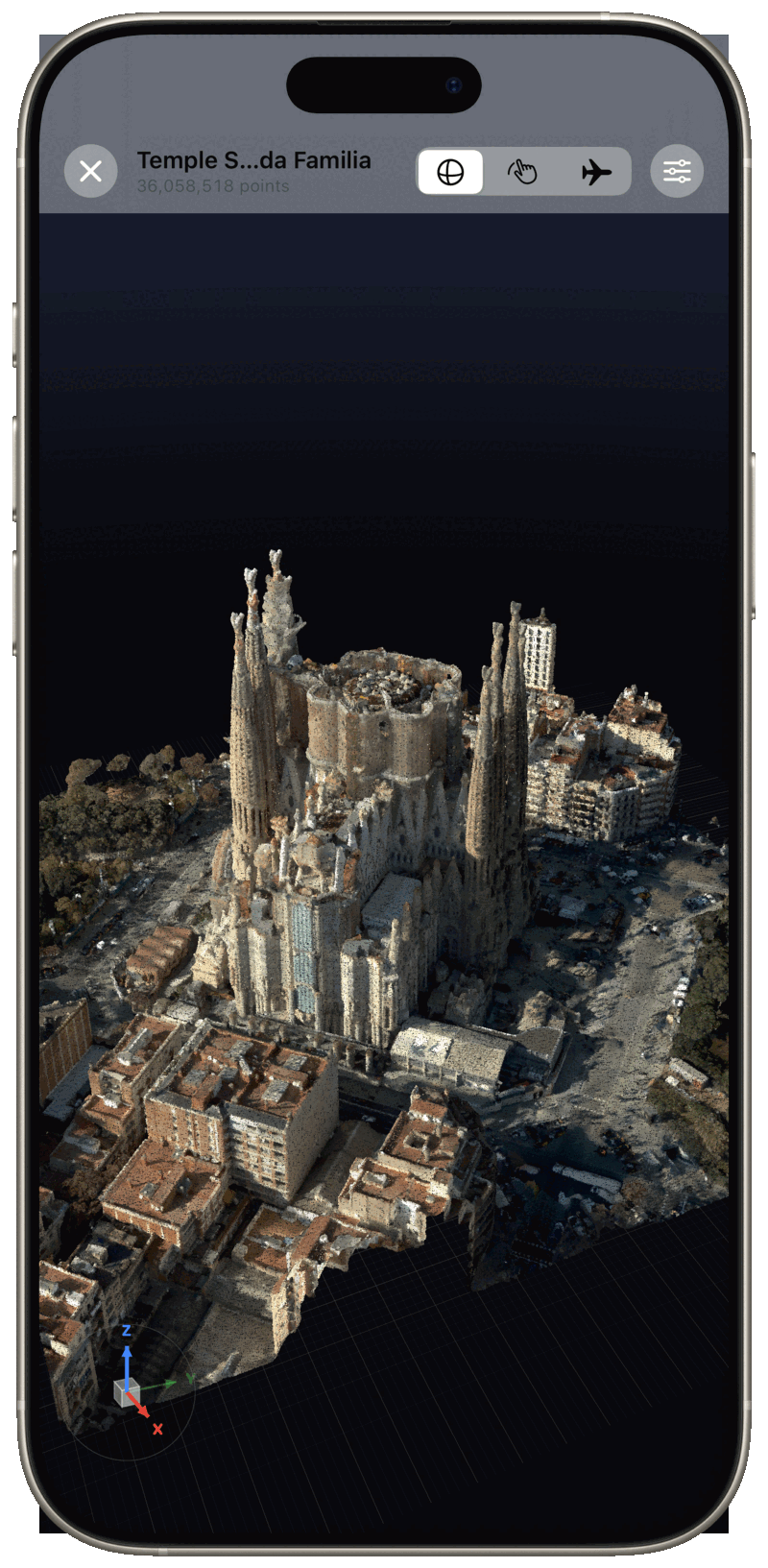
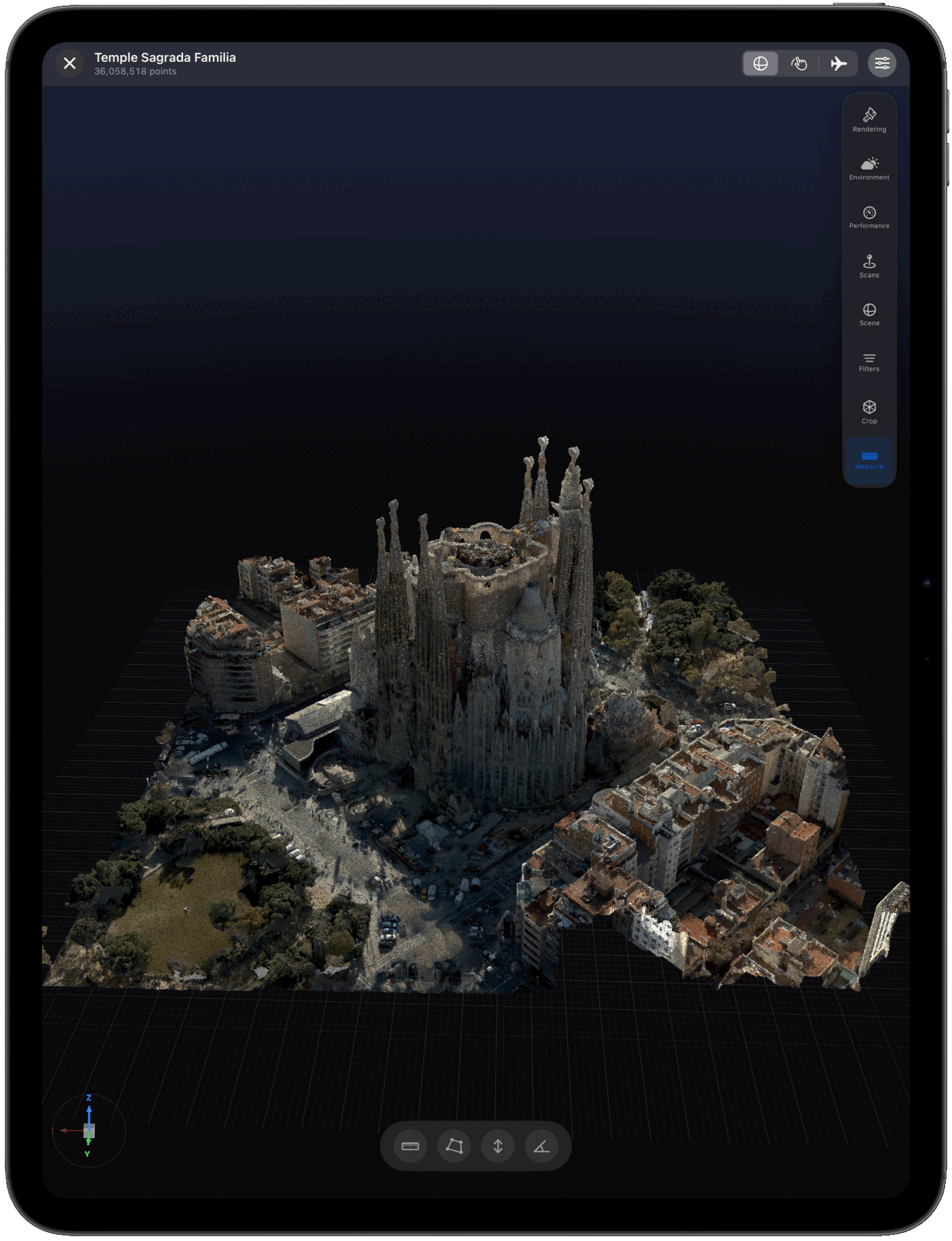
Open and explore 3D point clouds on your iPad and iPhone with high-performance on-device rendering. Import any major scan format, measure, and stream massive datasets — no desktop required.
Free download. Pro and Cloud plans available.
Yes — Pointscape is a point cloud viewer for iOS, built for iPad and iPhone. Download it free from the App Store and open E57, LAS, LAZ, PLY, COPC, or XYZ scans. It renders them in 3D entirely on-device, with no desktop, no file conversion, and no internet connection required. With Pro it also keeps distance, area, height, angle and elevation measurements and findings per project and exports a branded PDF report.
Updated October 2026
Point clouds on iOS
A desktop-class point cloud viewer, on iOS
A point cloud is a set of millions or billions of 3D points captured by a laser scanner, LiDAR sensor, or photogrammetry pipeline. Each point stores a position, and usually color and intensity, which together reconstruct a real space or object in three dimensions. Reviewing one traditionally meant a powerful desktop workstation and specialized software.
Pointscape brings that capability to iPad and iPhone. It renders point clouds on-device with advanced lighting, multiple coloring and quality modes, and adaptive level of detail — so you can inspect a scan in the field, walk a client through it on site, or review a capture anywhere, no laptop and no internet connection required.
Because processing happens locally, your scans never have to leave the device to be viewed. That keeps sensitive site data private and means a viewer works even with no signal — on a rooftop, in a basement, or deep inside a structure. When you do need more horsepower, Pointscape can stream very large clouds from the cloud and offload heavy conversion to cloud processing, then bring the result back to your iPad.
Typical users are surveyors checking a capture before leaving site, BIM and VDC coordinators reviewing scan-to-BIM data, architects and engineers presenting reality-capture to clients, and heritage and inspection teams documenting structures. If you can put an iPad in front of someone, you can show them the scan.
Step by step
How to view a point cloud on iPad
1
Install Pointscape
Download Pointscape free from the App Store on your iPhone or iPad.
2
Import your point cloud
Open Pointscape and import an E57, LAS, LAZ, PLY, COPC, or XYZ file from the Files app, Google Drive, Dropbox, OneDrive, or Box.
3
Explore it in 3D
Pointscape renders the point cloud on-device. Pan, zoom, rotate, measure, and fine-tune coloring and quality modes to inspect every detail.
See it in action
3D point clouds, rendered on iPad & iPhone
Compatible captures
Which scanners and apps does it work with?
Pointscape is hardware-neutral: it opens the standard files your capture tools already export, so it works with point clouds from virtually any scanner, sensor, or photogrammetry pipeline. It opens the exported file — it does not connect to or control the scanner itself.
Terrestrial laser scanners. Export E57 or LAS/LAZ from Leica (BLK360, RTC360), FARO (Focus), Trimble (X7), NavVis, or Riegl, then open the file directly on your iPad.
iPhone & iPad LiDAR. Capture with apps such as Polycam, Scaniverse, or 3D Scanner App, export PLY, LAS, or E57, and review it in Pointscape with full 3D controls.
Drone & aerial LiDAR. Bring in LAS/LAZ or COPC from DJI Zenmuse L1/L2 and other aerial sensors, and stream large COPC tiles without downloading everything first.
Photogrammetry. Export dense point clouds as PLY or E57 from Agisoft Metashape, RealityCapture, or Pix4D.
Formats
Which point cloud format should you use?
All of these open in Pointscape on iPad and iPhone. Here is how they compare and when each is the right choice.
Yes. Pointscape is a point cloud viewer for iPad and iPhone that renders 3D scans entirely on-device. Download it free on the App Store, import an E57, LAS, LAZ, PLY, COPC, or XYZ file, and explore it in 3D.
Can I use Pointscape completely offline, with no cloud?
Yes. Pointscape processes and renders point clouds entirely on-device, so it works completely offline — no internet connection and no cloud account required. Your scans stay on your iPhone or iPad, which makes it well suited to secure, on-premise work. Cloud streaming and upload are optional, not required.
What point cloud formats does the iPad viewer support?
Pointscape opens E57, PLY, COPC, LAS, LAZ, and XYZ point clouds on iPhone and iPad, plus PCD, BPF, CSV and TXT point files, imported from Files, Google Drive, Dropbox, OneDrive, or Box.
How large a point cloud can the iPad viewer handle?
Pointscape uses adaptive level of detail to render large scans smoothly on-device, and can stream massive point clouds from the cloud so you can explore billions of points without downloading the full file.
Is the point cloud viewer free?
Pointscape is a free download on the App Store. Pro adds unlimited projects, advanced visualization, measurement tools and branded PDF reports; Cloud adds streaming, cloud processing and team workspaces.